

The way to get more Google reviews is simple: ask every customer, right after a good experience, and hand them a link or QR code that opens your review box in one tap. Most happy customers never leave a review because nobody asked and the steps felt like work. This guide shows Muslim business owners how to set up the link, when and how to ask, and which shortcuts break Google’s rules or federal law.
Every rule and menu step below was checked on Google’s own help pages and the Federal Trade Commission’s website on November 13, 2026. Links are included so you can confirm them yourself.
Why do Google reviews matter for a small business?
Reviews are often the first thing a new customer reads about you. When someone searches for a caterer, a tutor or a barber, your star rating and the latest comments show up right next to your name, before they ever visit your website.
In our community, word of mouth has always done this job. A recommendation after Jumu’ah or in a family WhatsApp group carries real weight. A Google review is the same recommendation, written down where people who have never met you can find it. If you have not set up your profile yet, start with our Google Business Profile setup guide.
How do I create a Google review link and QR code?
Google builds the link and the QR code for you. According to Google’s help page on review links and QR codes:
- Go to your Business Profile.
- Select Read reviews, then Get more reviews.
- Select Copy to copy the link. To keep the QR code, right-click it and choose Save image as.
Two details save time. Google says the QR code can currently only be generated in a computer browser, not on a phone, so do this step at a desk. And customers must be signed in to a Google Account to leave a review, so expect a few people to say they can’t.
Where should I put the link and QR code?
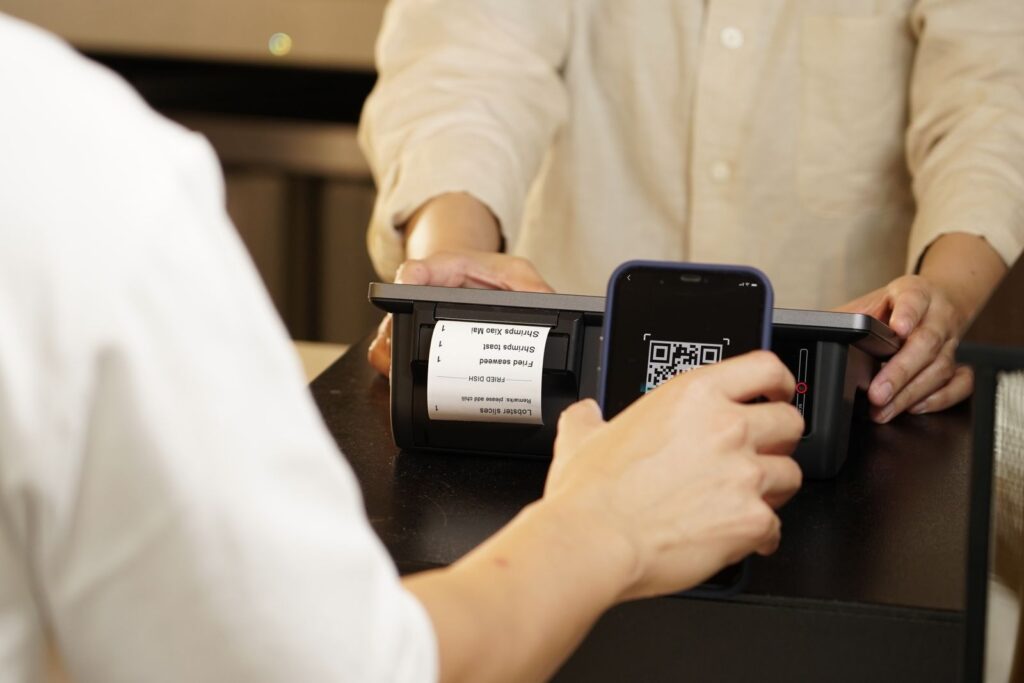
Put them wherever a customer is already finishing a good experience. Google itself suggests receipts, thank-you emails, the end of a chat conversation and a printed QR code displayed in your store. It also notes you can send requests by email, WhatsApp message or Facebook post.
Ideas that fit different kinds of businesses:
- Restaurants and home cooks: a small card in the takeout bag or a table tent by the register. A food business like Yalla Bites in Plano, which connects customers with local home cooks, could add the link to every order confirmation.
- Salons and studios: a framed QR code at the mirror or checkout. A beauty and wellness space like Barakah Beauty Collective in Seattle sees clients at the exact moment they are happiest with the result.
- Professional services: a line in the email that delivers the finished work. For an accounting firm like Kafoo CPA, that moment is when a return is filed or the books are closed.
- Trades and home services: a text message sent the same day the job is done, while the customer is still looking at the result.
When and how should I ask?
Ask in person, at the moment the customer says something kind. “That means a lot. Would you mind saying that on Google? It really helps a small business like ours.” Then hand over the card or send the link while they are still standing there.
A message you can copy for WhatsApp or text:
Assalamu alaikum [name], thank you for choosing [business]. If you have one minute, an honest review on Google helps other families find us: [link]. JazakAllah khair.
Three habits make this work:
- Ask everyone. Make it part of closing every sale, not something you do only when you remember.
- Ask once, remind once. One follow-up a few days later is polite. More than that feels like pressure.
- Ask for honesty, not five stars. “An honest review” is the right wording, and it keeps you inside the rules below.
What are you not allowed to do?
You may ask for reviews, but you may not pay for them, filter who gets asked, or review yourself. Two sets of rules apply: Google’s policies, which can get reviews removed and your profile restricted, and the FTC’s rule on consumer reviews, which is federal law.
| Shortcut | Google’s policy | FTC rule (in effect since October 21, 2024) |
|---|---|---|
| A free dessert, discount or gift for a review | Prohibited. Google treats incentives in exchange for reviews as fake engagement. | Illegal if the reward depends on the review being positive (or negative). |
| Asking only the customers you know are happy | Not allowed. Merchants may not “selectively solicit positive reviews.” | No specific ban in the rule, but the FTC says it could still violate the FTC Act. |
| Reviews from yourself, staff or relatives | Treated as a conflict of interest, which includes employment and family relationships. | Insider reviews that hide the connection to the business are banned. |
| Buying reviews or writing fake ones | Prohibited. Reviews must reflect a genuine experience. | Banned outright. |
| Offering something to change or delete a bad review | Prohibited. | The FTC says paying to remove truthful negative reviews may violate the FTC Act. |
| Giving staff a quota of reviews to collect | Not allowed. | Not addressed directly. |
Sources: Google’s prohibited and restricted content policy and the FTC’s questions and answers on the Consumer Reviews and Testimonials Rule. The FTC says courts can impose civil penalties for knowing violations. This is general information, not legal advice.
This matters in a close community. It is tempting to ask your cousins, your staff and everyone at the masjid to leave five stars on opening week. Ask them to send real customers instead. A profile with twelve honest reviews from people who actually bought from you is worth more than fifty from relatives, and it is the only kind that will still be there next year.
Should I reply to reviews?
Yes, reply to every one. Google says replies are public and help you build good relationships with customers, and the reviewer is notified when you answer. You must verify your business before you can reply. Replies appear under your business name, not your personal name, and Google says they usually take up to 10 minutes to be approved, though it can take up to 30 days.
- Good review: thank the customer by name and mention what they bought, so the reply reads like a person wrote it.
- Bad review: thank them, apologize for the experience, say what you will do, and offer to continue by phone or email. Never argue, and never share private details about the customer or their order.
How you handle a complaint in public shows future customers more about you than the complaint does. Our guide on building trust with Muslim customers goes deeper on this.
Can I get an unfair review removed?
Only if it breaks Google’s policies. Google says not to report a review just because you disagree with it. To report one that is spam, fake or abusive: go to your Business Profile, select Read reviews, select Report next to the review, choose a reason and select Send report. Google says evaluation typically takes several days, and there is a one-time appeal if it decides the review stays.
For a harsh but real review, a calm reply is your best tool.
A simple weekly routine
- Print the QR code once and put it where customers pay.
- Save the link and the message above in your phone’s notes.
- Ask every customer as part of finishing the sale.
- Every Friday, reply to the week’s reviews.
- Once a month, share one kind review on Instagram or WhatsApp status and thank the customer.
Reviews work best when the rest of your online presence is in order. Keep your name, address and phone number the same everywhere (see our local SEO guide), and make sure customers can also find you in a Muslim business directory.
Get found by customers looking for Muslim-owned businesses
Google reviews bring in people searching nearby. (Run a trade or home-service business? See how contractors and home-service pros can get more leads.) A Muzlist listing reaches people who are specifically looking to support Muslim-owned businesses in their state. Listing is free and takes a few minutes. Add your business to Muzlist, then read how to write a listing that gets calls.
Run a dental or medical practice? Patient privacy rules add limits on how you can reply to reviews. See our guide to getting more patients for a Muslim-owned dental or medical practice.
Frequently asked questions
Can I offer a discount in exchange for a Google review?
No. Google prohibits offering incentives such as free or discounted goods or services in exchange for reviews, and can remove the reviews. Under the FTC’s rule, a reward that depends on the review being positive is also illegal.
Can my family and employees review my business on Google?
They should not. Google treats reviews from people with an employment or family relationship to the business as a conflict of interest. Ask them to refer real customers instead.
How do I get a QR code for Google reviews?
On a computer, go to your Business Profile, select Read reviews, then Get more reviews. Copy the link, or right-click the QR code and save the image. Google says the QR code cannot currently be generated on a mobile device.
Is it okay to ask only my happiest customers?
No. Google’s policy does not allow merchants to selectively solicit positive reviews. Ask every customer for an honest review.
Can I delete a bad Google review?
You cannot delete it yourself. You can report a review that violates Google’s policies, and Google says evaluation typically takes several days. Reviews you simply disagree with are not eligible for removal, so reply politely instead.